Start with curiosity, not complexity
Introducing computers to children can feel confusing today. On one side, there is fear of too much screen time. On the other, there is a growing need for digital understanding. Many parents hesitate because they are not sure where to begin. The truth is simple. Children do not need advanced technology. They need guided exposure that feels natural. The first step is not teaching. It is creating comfort.
Let them explore first
Instead of explaining everything, let the child interact with basic things:
- turning the computer on and off
- moving the mouse
- typing simple letters
At this stage, the goal is not learning skills. It is building comfort. When a child feels relaxed around a computer, learning becomes easier later.
Explain what a computer actually is
Children often see devices but do not understand their purpose. Use simple language. A computer is a smart machine that helps us do many kinds of work.
Give real examples:
- drawing pictures
- watching educational videos
- talking to family on video calls
- learning new things
This makes the idea clear and relatable.
Keep learning short and engaging
Long sessions do not work for young children.
Instead:
- keep sessions between 15 to 30 minutes
- mix learning with fun
- stop before they lose interest
Children remember experiences, not lectures.
Focus on doing, not explaining
Children learn faster by doing.
Let them:
- draw using simple tools
- type their name
- open basic apps
Small actions build confidence.
Avoid over-explaining every step.
Introduce parts naturally
Do not teach everything at once.
Introduce slowly through use:
- mouse for clicking and moving
- keyboard for typing
- screen for seeing results
Use situations instead of definitions.
“Click here with the mouse” works better than explaining what a mouse is.
Set clear boundaries early
It is important to build a healthy relationship with screens.
Keep simple rules:
- fixed time for using the computer
- no screens during meals
- balance with outdoor play
This helps children see computers as a tool, not a habit.
Make it part of everyday life
Children learn better when things feel natural.
Let them observe how computers are used:
- writing something
- searching for information
- watching something useful
This builds understanding without pressure.
Be involved, not controlling
Sit with your child while they explore.
Ask simple questions:
- What are you doing?
- What happens if you click here?
This keeps them engaged.
Avoid controlling every step. Let them try.
A simple way to make learning easier
If you want to make this process smoother, story-based learning works very well.
Stories help children understand concepts without feeling like they are studying.
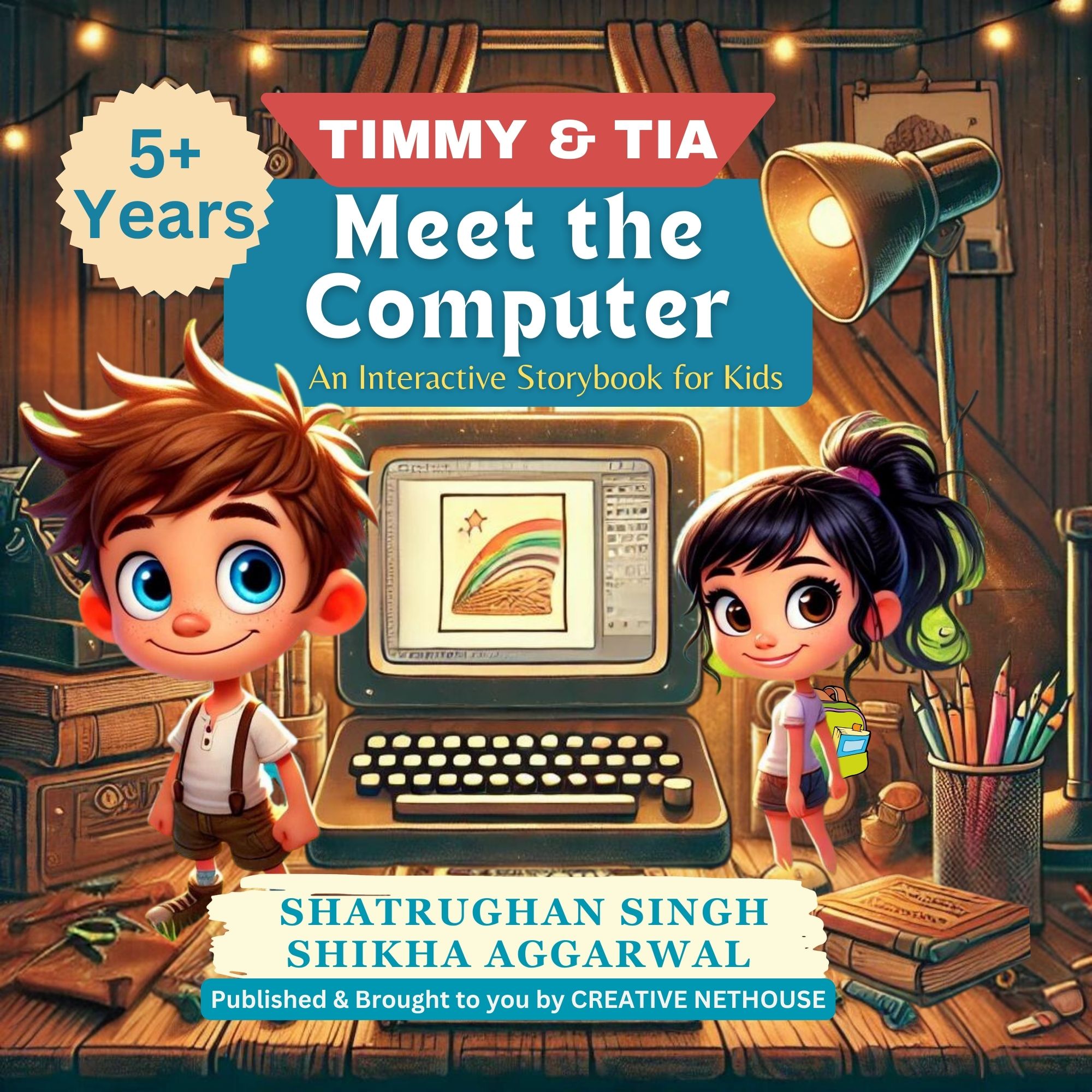
Books like Timmy and Tia Meet the Computer are designed in this way. They introduce computers through simple situations, making learning easier step by step.
Final thought
You do not need to rush.
Children do not need to become experts early. They need to feel comfortable, curious, and confident.
Start simple. Stay consistent. Let learning happen naturally.
That is enough.